iPhone
Private by defaultSave without breaking focus.
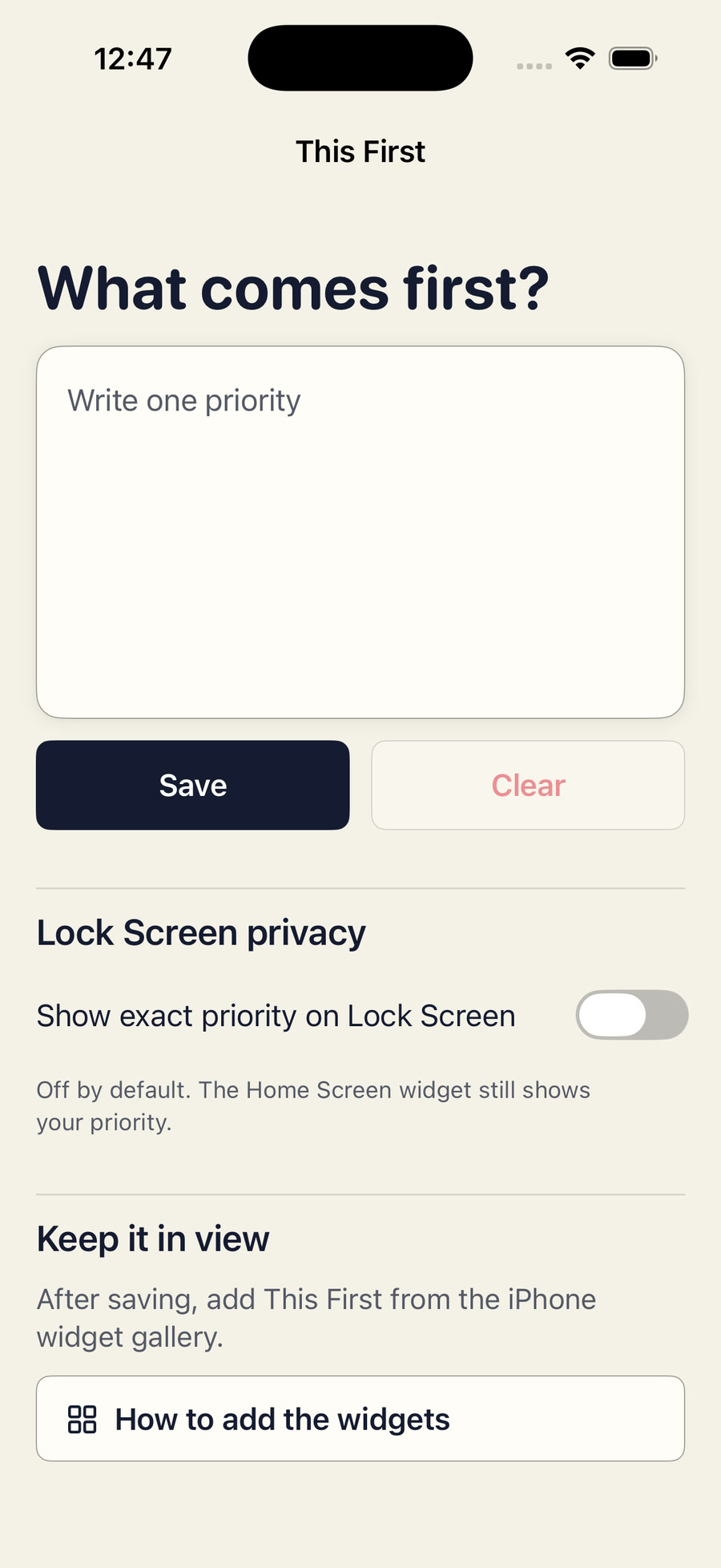
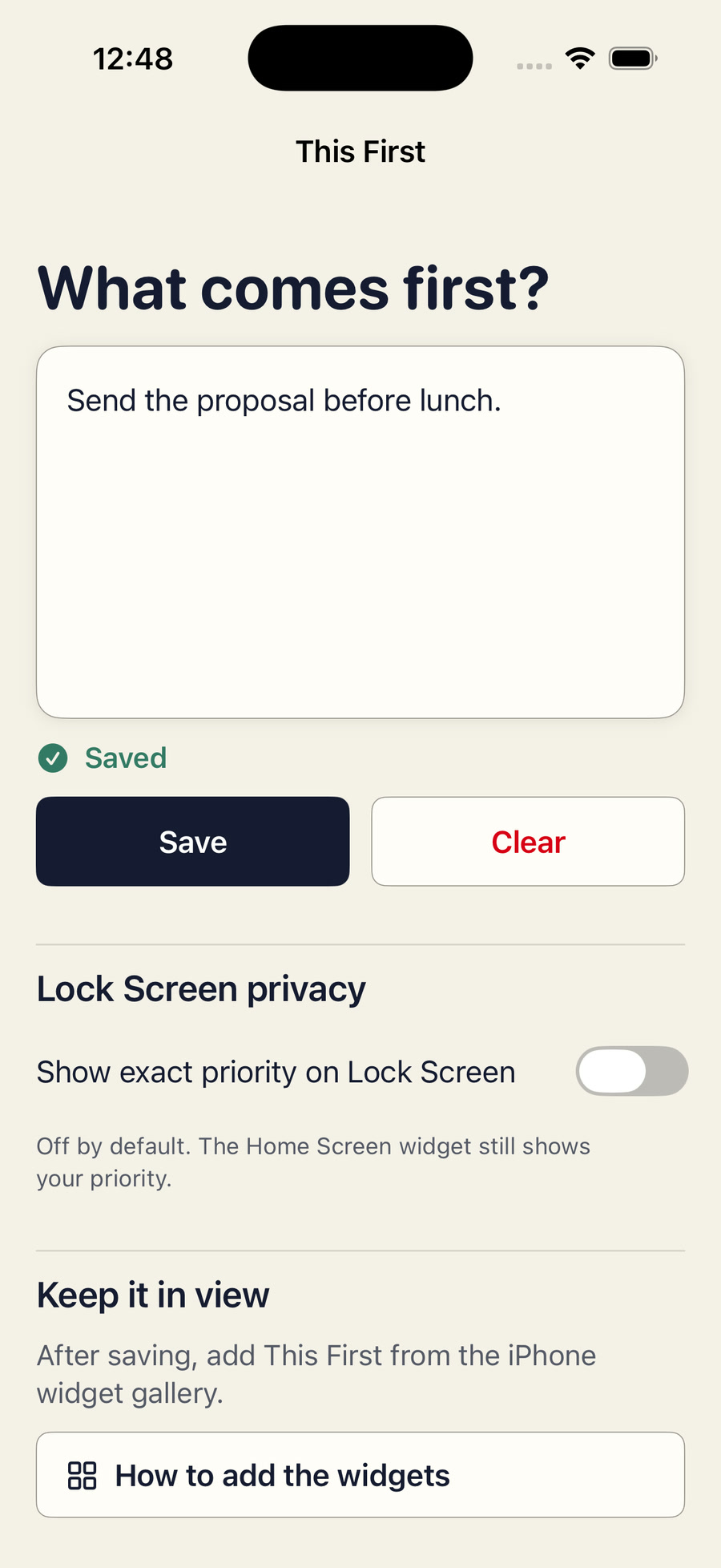
On iPhone, Save keeps the editor visible and confirms Saved without sending you somewhere else.
Exact Lock Screen text is off by default. It appears there only if you explicitly turn it on.
 This First
One priority. No new system.
Write the next thing that matters. This First keeps it on your Home Screen until you replace or clear it, without another list, streak, timer, or alert.
Everything asks for attention.
Choose what gets it.
One choice. Three quiet actions.
The words stay consistent from the focused editor to the Home Screen, then return to the editor when life changes.
Write the action you mean to take, not a category to manage. The editor keeps the full thought and nothing else.
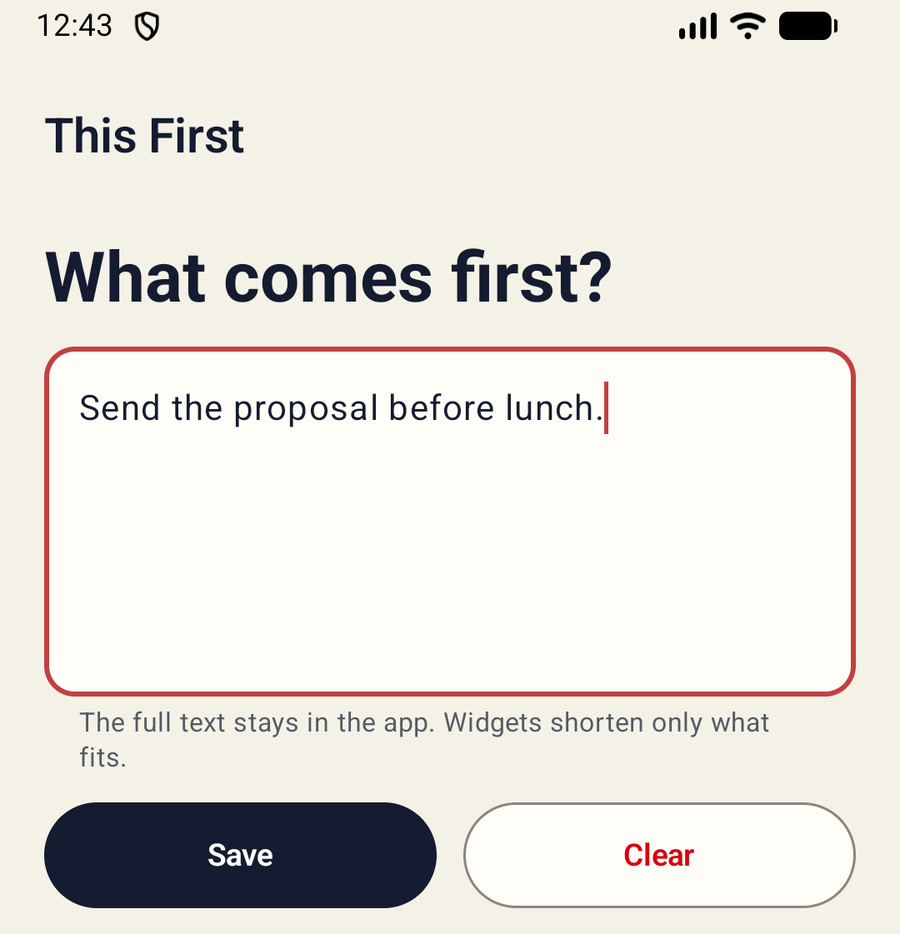
Save brings the words to your Home Screen. No reminder fires and no new feed waits for you to open it.
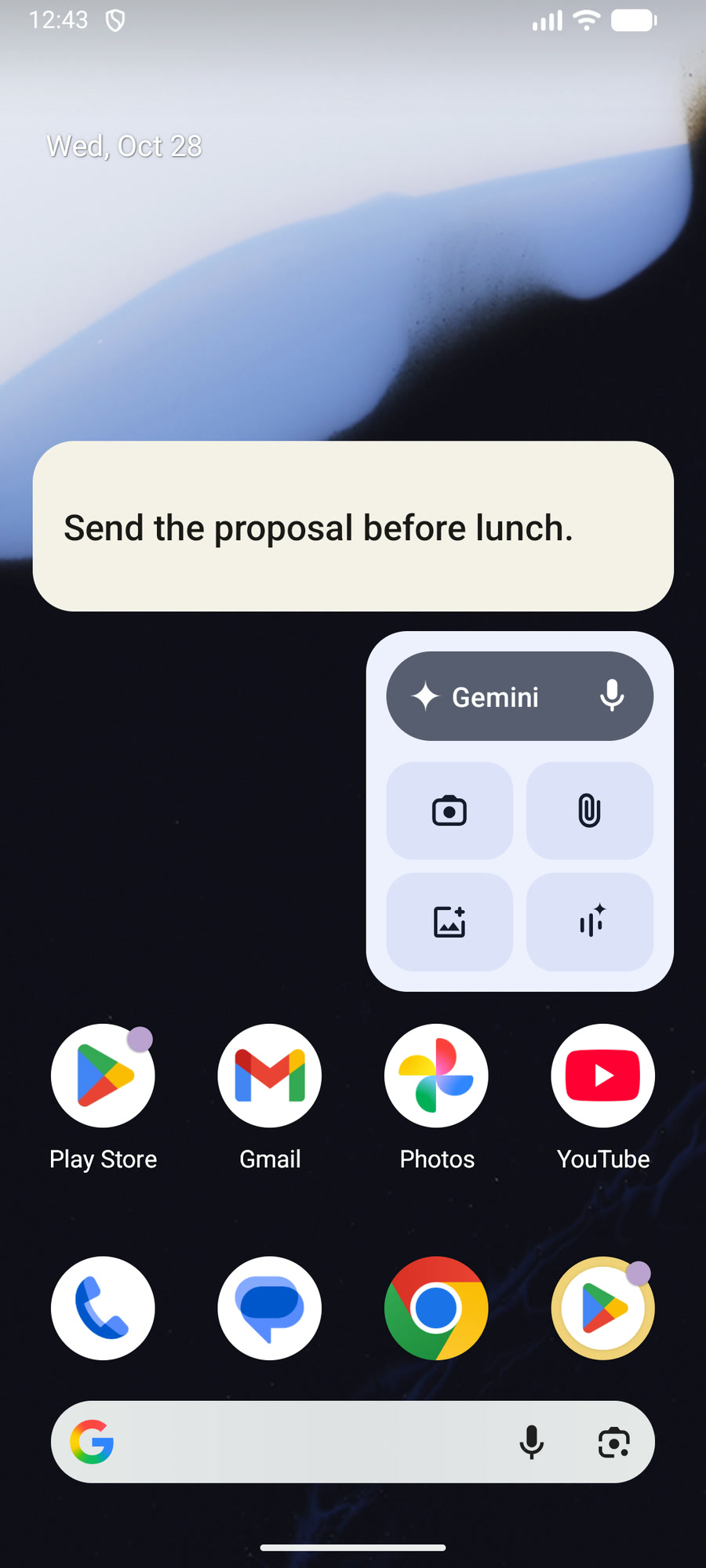
Tap the whole widget to return to the editor. Replace the words or clear them without creating a completed list or history to maintain.
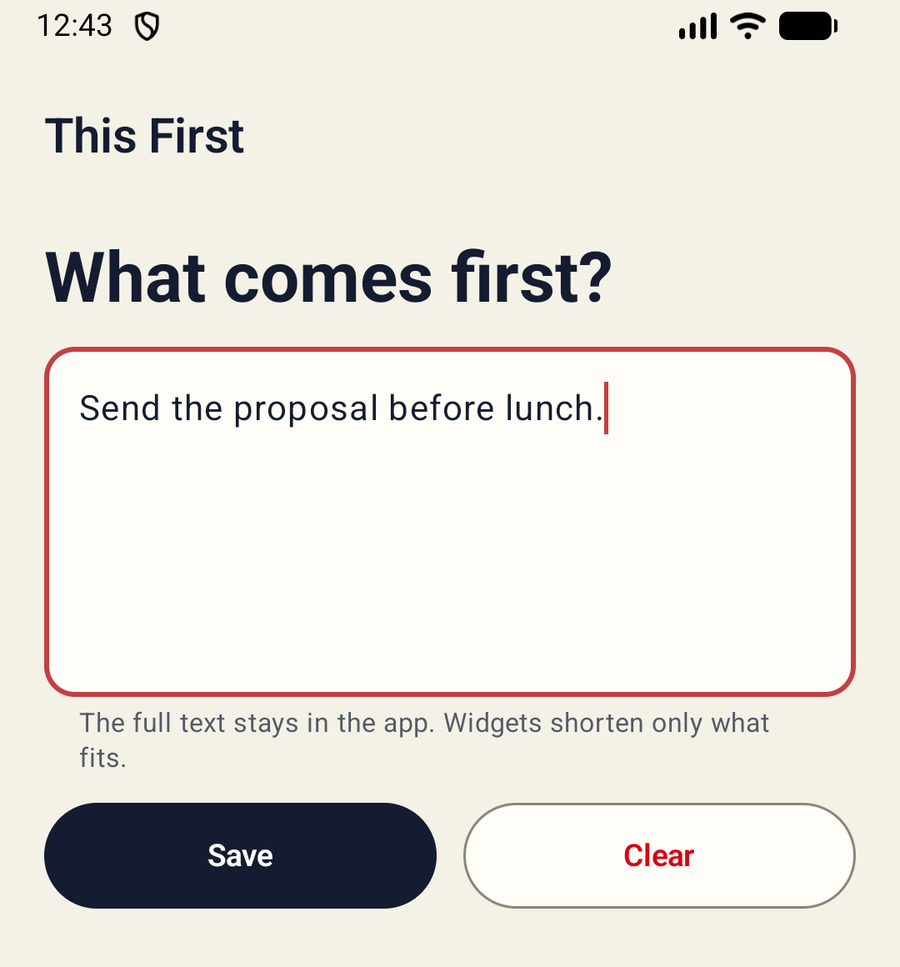
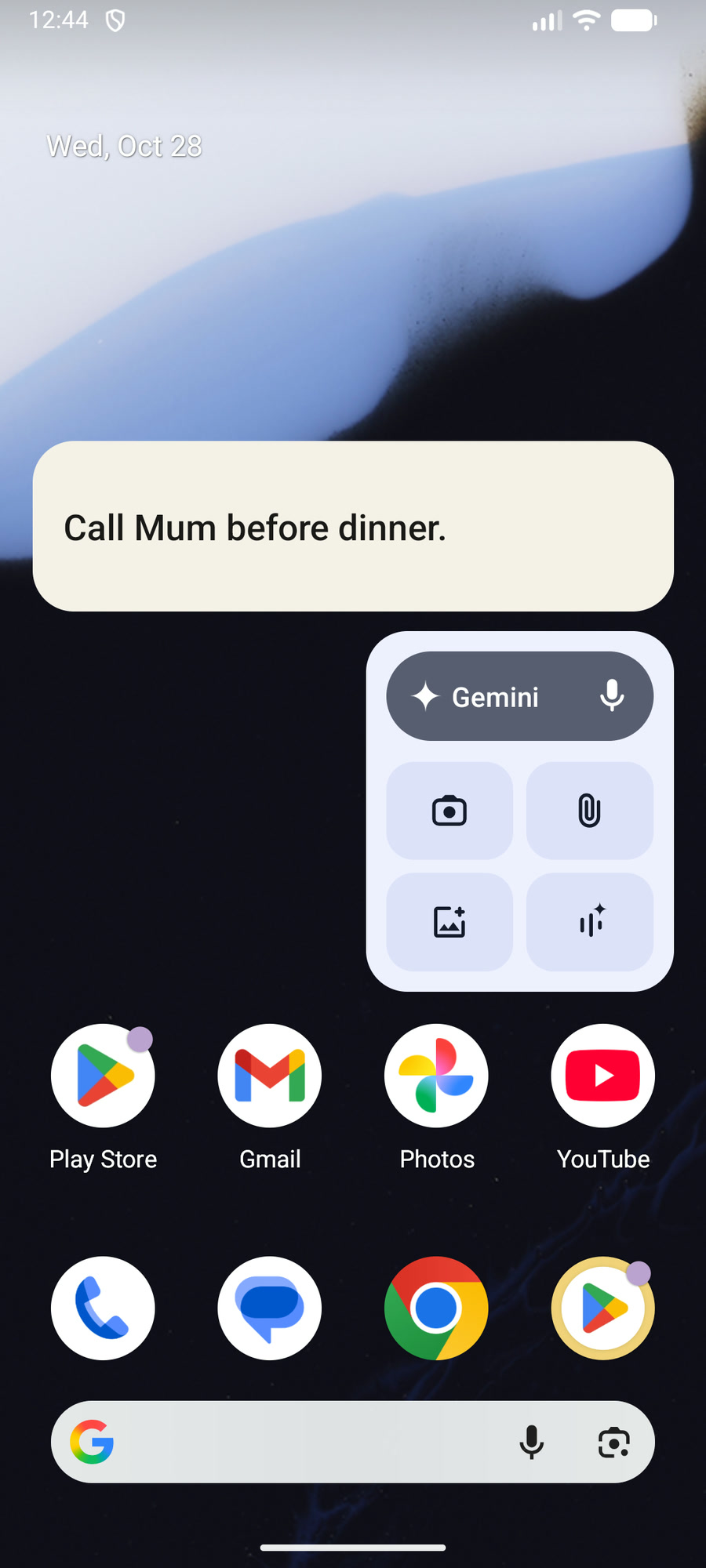
The whole idea in 20 seconds
Watch one concrete priority move from decision to daily view, then make room for what comes next.
Everything asks for attention. Choose what gets it.
Name the next thing: Send the proposal before lunch.
Meet it where you already glance, without another reminder.
Tap to edit. Replace it with Call Mum before dinner, or clear it when you are done.
This First. One priority, kept in view. Coming soon on iPhone and Android.
Quiet on purpose
iPhone
Private by defaultOn iPhone, Save keeps the editor visible and confirms Saved without sending you somewhere else.
Exact Lock Screen text is off by default. It appears there only if you explicitly turn it on.
Android
Home Screen firstOn Android, Save requests the widget refresh and returns you to Home so the priority is already where you need it.
Android Lock Screen and Always On Display support are not advertised because host-specific acceptance is incomplete.
Nothing to keep up with
No account, server, analytics, notification, or app-operated sync.
The useful details
No. iPhone and Android require you to add widgets through their system widget pickers.
The app requests an update after a successful Save, but each platform and launcher controls when the refreshed widget becomes visible.
No. It stays until you replace or clear it.
No. The Android release supports the Home Screen widget. Lock Screen and Always On Display support remain host-specific and unverified.
The current apps have no account, server, analytics, notification, or app-operated sync. Ordinary operating-system backup and device-transfer features may still apply.
Coming soon